Describe the Problem
Send the error text, a short description, device type and whether the system is German, English or Dutch. Screenshots help when the message is hard to translate.
Remote IT Support from Germany
Computer repair in Germany does not have to mean dropping your device off somewhere and waiting. Software, Windows, Mac, email, printer and network problems are solved in a secure remote session, in English, and often on the same day. Physical damage such as a broken screen or battery is diagnosed remotely, so you know exactly which part needs replacing locally before you pay anyone.
Living or working in Germany and more comfortable sorting out IT problems in English? We fix slow PCs, Windows errors, Mac issues, email, printer, WiFi and software problems by secure remote access. Built for people who live, work or run a small business across the German-Dutch border. We work entirely remotely and do not repair hardware.
You see every step. If the problem is software, account, network or setup related, we work directly on screen. If the problem is a broken screen, battery, keyboard or other physical part, we diagnose it and tell you what needs local replacement – our PC and laptop service covers that side (page in German).
Get IT Help in English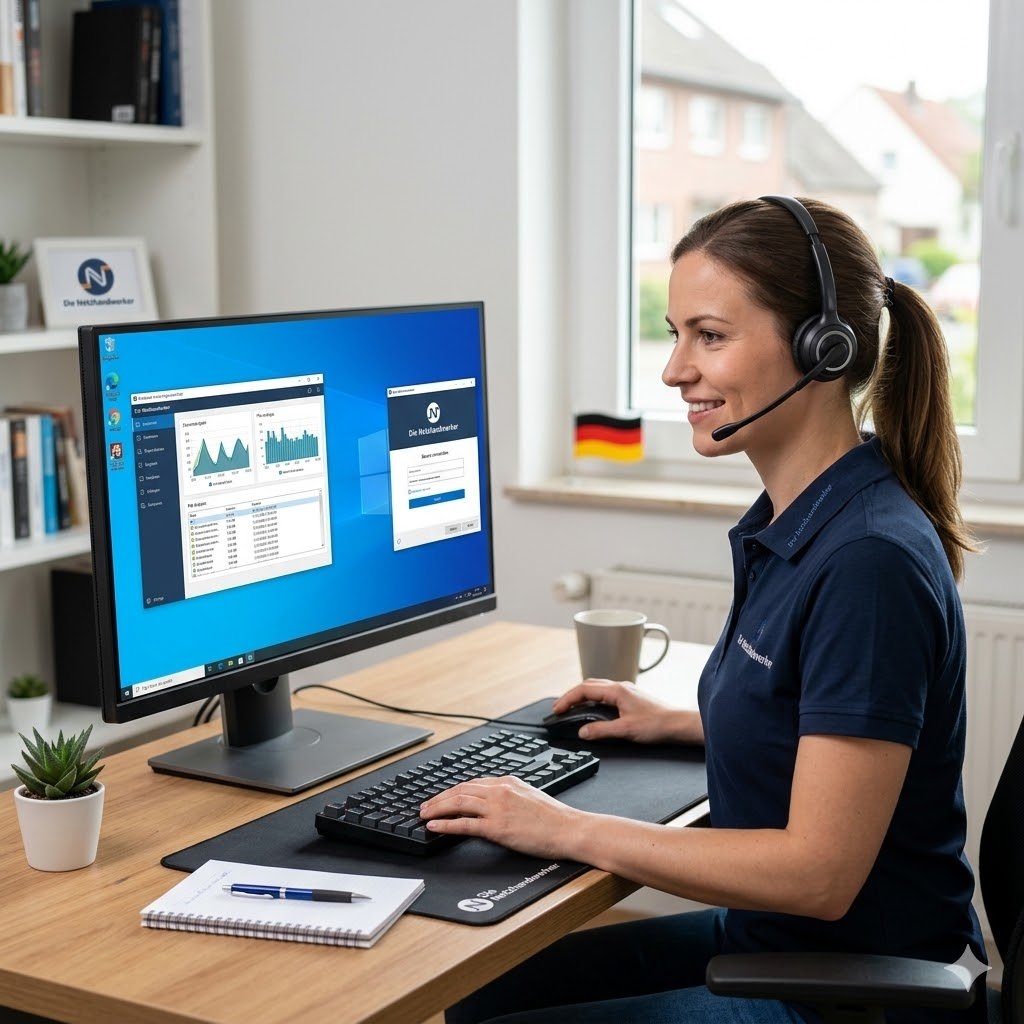
Many computer problems in the border region are not just "a slow laptop". They are mixed-language systems, Dutch and German internet providers, cross-border Microsoft accounts, printer labels in another language, tax portals, banking apps, VPN access and two-factor login problems. We handle that remotely and keep the process practical.
If you search for computer repair Germany, computer repair near me or laptop repair near the Netherlands, the first question is whether the problem needs a screwdriver or a screen session. Most everyday problems do not need a shop counter. They need careful diagnosis, remote access and someone who understands the setup in front of them.
The German-Dutch border adds extra friction: devices bought in Germany, providers in the Netherlands, English Windows, German invoices, Dutch routers, family accounts across countries and mixed keyboards. We sort out what belongs where, change the right settings and avoid unnecessary hardware replacement.
Everything is remote. That means no device shipping, no queue at a repair desk and no waiting for a local appointment. You keep control of the mouse and can stop the session at any time.
The workflow is simple: describe the issue, start a secure remote session, watch the diagnosis, then decide the next step based on evidence.
Send the error text, a short description, device type and whether the system is German, English or Dutch. Screenshots help when the message is hard to translate.
You start a remote access tool for this session. You see every action on screen, and access ends when the session ends. The same approach is described on our remote maintenance page (in German).
We repair what can be repaired remotely. If the cause is physical damage, you get a clear diagnosis for a local hardware shop.
The page targets computer repair, but the actual work is practical IT support: operating system, accounts, software, network, security and peripherals.
Startup takes too long, programs freeze, browser tabs overload the system or the disk is constantly busy. We find the cause before changing settings.
Blue screens, update failures, driver trouble, strange error codes or login loops. We diagnose the system state and repair what is safe to repair remotely.
Mail, iCloud, browser, printer, permissions, updates, backups and mixed Apple/Windows environments. We keep the fix understandable while we work.
Outlook, Apple Mail, Microsoft 365, IMAP/SMTP, signature issues, sync errors, mailbox migration and hacked account cleanup.
Printer not found, scanner unavailable, wrong driver, stuck queue, WiFi printer on another network or mixed-language device menus.
Connection drops, weak signal, wrong DNS, VPN trouble, printer cannot see the network or a Dutch/German provider router causes confusion.
Suspicious pop-ups, browser redirects, unwanted software, fake support pages or account takeover signs. We clean up and harden the basics.
New laptop, old files, browser profiles, email accounts, cloud sync, printer setup and the settings that make a new device actually usable.
A border-region computer often has more moving parts than a normal home PC. The device may be German, the router Dutch, the account language English and the phone number used for security codes from another country.
German error message, English Windows, Dutch printer software, keyboard layout mismatch. We translate the technical meaning into the right fix.
Microsoft, Apple, Google, bank login and two-factor messages can behave differently when phone numbers, addresses and app regions are mixed.
Dutch and German routers use different labels, defaults and support paths. We focus on the network behavior, not on the marketing name on the box.
Cross-border laptops often need VPN, email, printers, accounting tools and cloud access to work reliably from both sides of the border.
If German IT vocabulary slows you down, we can handle the session in English and keep the instructions plain.
A laptop screen, battery, keyboard, hinge or liquid damage still needs physical repair. We help you avoid sending a device away for the wrong reason.
Good computer repair starts with the right channel. Remote support is fast for software and setup issues. Physical defects need a local shop after a clear diagnosis.
Searches like computer repair near me, laptop repair Germany, PC help in English or computer repair Netherlands border often start with the same pressure: the device is needed today. For remote-fixable issues, the location is less important than a stable internet connection and a clear process.
You get a clear estimate before we start. If a session is likely to take longer than expected, we say so before continuing. If the issue cannot be solved remotely, you get a concrete next step instead of vague guessing.
The service fits private users, expats, freelancers and small businesses that need direct help with a computer problem and do not want to ship the device or wait for a shop appointment.
Die Netzhandwerker is a remote IT support service from Germany, close to the Dutch border. We help private individuals, freelancers and small businesses with computer problems by secure remote access. The work is practical: fix what can be fixed on screen, diagnose hardware honestly, and keep the next step clear.
Describe your computer problem, your device and whether you prefer English or German. Dutch context is fine.
For software, email, printer, WiFi and setup problems, remote repair is usually the fastest professional option because there is no travel time, no shipping and no waiting for a shop appointment. We connect securely while you watch every step.
Yes. The service is built for remote support from Germany and works well for people in the German-Dutch border region, including customers with German and Dutch internet providers, phone numbers, keyboards, accounts and software settings.
Yes, for remote-fixable computer problems. You do not need to bring the device anywhere. If a part has to be replaced physically, we diagnose the issue and tell you what a local hardware repair shop should check.
For remote-fixable issues, yes in many cases: slow laptop, Windows errors, email setup, printer, WiFi, browser and software problems. Physical screen, battery or keyboard defects need local hardware replacement after diagnosis.
No remote service can replace a physical laptop screen. What we can do is diagnose whether the issue is really the panel, graphics driver, cable, external monitor setup or Windows/Mac display settings. If it is physical damage, we tell you what to ask a local hardware shop for.
We support customers in German and English. Dutch problem descriptions are fine, and we understand typical Dutch IT context such as providers, router labels, Windows language settings and account messages.
Yes. You can see everything we do on your screen in real time. The remote access tool only runs during the session and you can disconnect at any time.
Typical cases are slow PCs, Windows errors, Mac settings, email problems, printer setup, WiFi issues, browser trouble, malware checks, software installation, cloud sync and new PC setup.
No. We work remotely by design. That keeps the process fast and avoids travel time. Physical part replacement, soldering, screen swaps or liquid damage need a local hardware repair shop after diagnosis.
Yes, we support both Windows PCs and Apple Macs via remote access.
Then you do not pay for the failed repair attempt. If we cannot resolve the issue remotely, we say so clearly and give you the next practical step.
Have the device, charger, internet connection, error message, account login details and any printer or router labels nearby. If you use a Dutch or German phone number for two-factor login, keep that phone next to you.
Praxis-Ergänzung
Für eine gute Entscheidung braucht es mehr als eine kurze Erklärung. Wichtig sind Ausgangslage, Risiko, Aufwand und der nächste sinnvolle Schritt. So wird aus einem Thema ein konkreter Arbeitsauftrag statt einer offenen Baustelle.